Transkriptor
Transkriptor is an AI-powered transcription tool that converts audio and video to text with up to 99% accuracy. It supports 100+ languages, integrates with Zoom, Teams, and Google Meet, and offers features like AI summaries. Free trial available.
Overview of Transkriptor
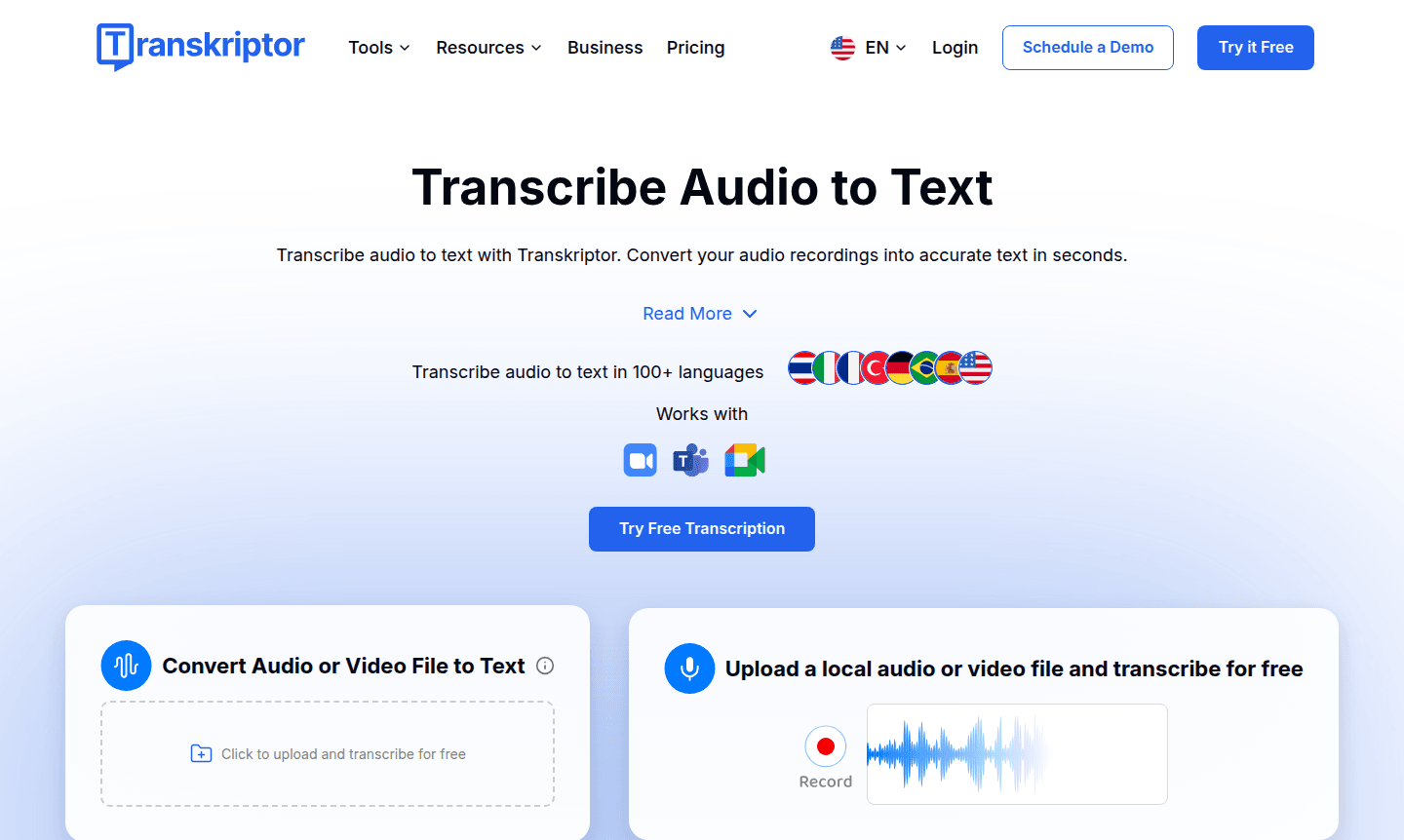
Transkriptor is an advanced AI-powered transcription platform that converts audio and video recordings into accurate, editable text within seconds. Designed for professionals, students, and teams, it supports over 100 languages and integrates with Zoom, Microsoft Teams, and Google Meet. With up to 99% accuracy, it transforms meetings, interviews, lectures, and podcasts into searchable transcripts. Trusted by organizations like Harvard and Microsoft, it saves time and boosts productivity. Explore more in AI Agents & Assistants and Note-taking App categories.
Beyond basic transcription, Transkriptor offers AI-generated summaries, sentiment analysis, action item extraction, and speaker diarization. It works on mobile, desktop, and tablets via web apps and extensions. With SOC 2, GDPR, and ISO 27001 compliance, it ensures data privacy for sensitive content in legal, healthcare, and corporate use. The platform has processed over 85 million minutes of audio, proving reliable for all users.
How to Use Transkriptor
To get started, create a free account on the Transkriptor website or mobile app. Upload audio or video files in MP3, MP4, or WAV formats, or use the built-in recorder. The AI processes the content, generating a timestamped transcript that you can edit, highlight, and export as TXT, DOCX, or subtitle files. For meetings, integrate with Zoom, Teams, or Google Meet to transcribe live sessions and receive instant summaries.
Core Features of Transkriptor
- High-Accuracy Transcription – Provides up to 99% accurate transcriptions in over 100 languages.
- AI Meeting Assistant – Integrates with Zoom, Teams, and Google Meet for live meeting transcription and action items.
- Smart Summaries & Analysis – Generates AI-powered summaries, sentiment analysis, and key topic identification.
- Multi-Platform Accessibility – Accessible via web app, Chrome extension, Android, and iOS apps.
- Enterprise Security – Complies with SOC 2, GDPR, and ISO 27001 standards for data protection.
Use Cases for Transkriptor
- Transcribe meetings on Zoom, Teams, or Google Meet for records.
- Convert lectures into searchable notes for students and educators.
- Generate transcripts for podcasts, interviews, or video content.
- Automate medical dictation and clinical documentation.
- Create legal transcripts for client meetings securely.
- Analyze customer support calls with sentiment tracking.
- Turn voice notes into written content for brainstorming.
Support and Contact
For assistance, visit the Transkriptor support page or contact via email at contact@transkriptor.com.
Company Info
Transkriptor is developed by a team focused on AI transcription solutions, serving a global user base. Learn more on their official homepage.
Login and Signup
Access your account or create a new one at transkriptor.com.
Transkriptor FAQ
What is Transkriptor and how does it work?
Transkriptor is an AI transcription tool that converts audio/video to text using speech recognition, supporting 100+ languages and integrations with platforms like Zoom.
Is Transkriptor free to use?
Yes, Transkriptor offers a free plan with daily transcription limits, plus paid options for higher usage and advanced features like AI summaries.
Can Transkriptor handle multiple speakers in a recording?
Yes, it uses speaker diarization to identify and label different speakers, making it ideal for meetings, interviews, and group discussions.
How accurate is Transkriptor's transcription?
Transkriptor achieves up to 99% accuracy, depending on audio quality, and works well with clear recordings in various languages and accents.
What file formats does Transkriptor support?
It supports common formats like MP3, MP4, WAV, and M4A, allowing easy uploads from devices or cloud storage without conversion.
Transkriptor Reviews0 review
Would you recommend Transkriptor? Leave a comment
Transkriptor Alternatives
The best modern alternatives to the tool
New Tools Releases
Recently added tools