Google Calendar
Free online calendar with AI-powered scheduling, appointment booking, and team features for personal and professional use.
Overview of Google Calendar
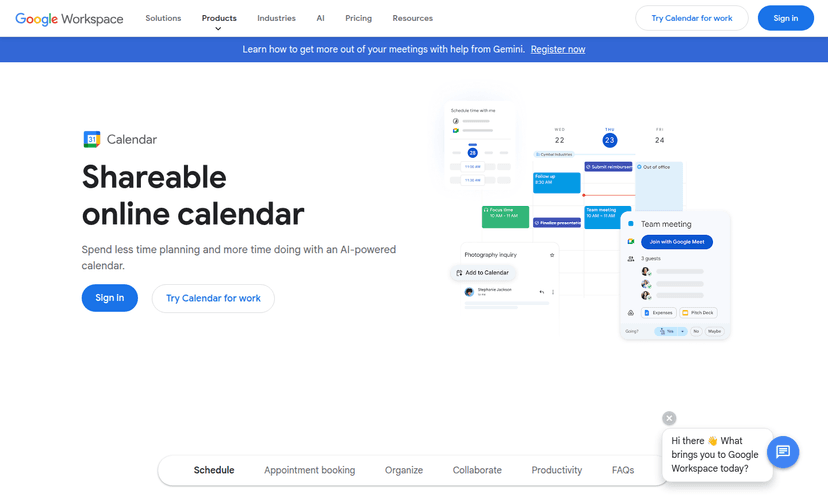
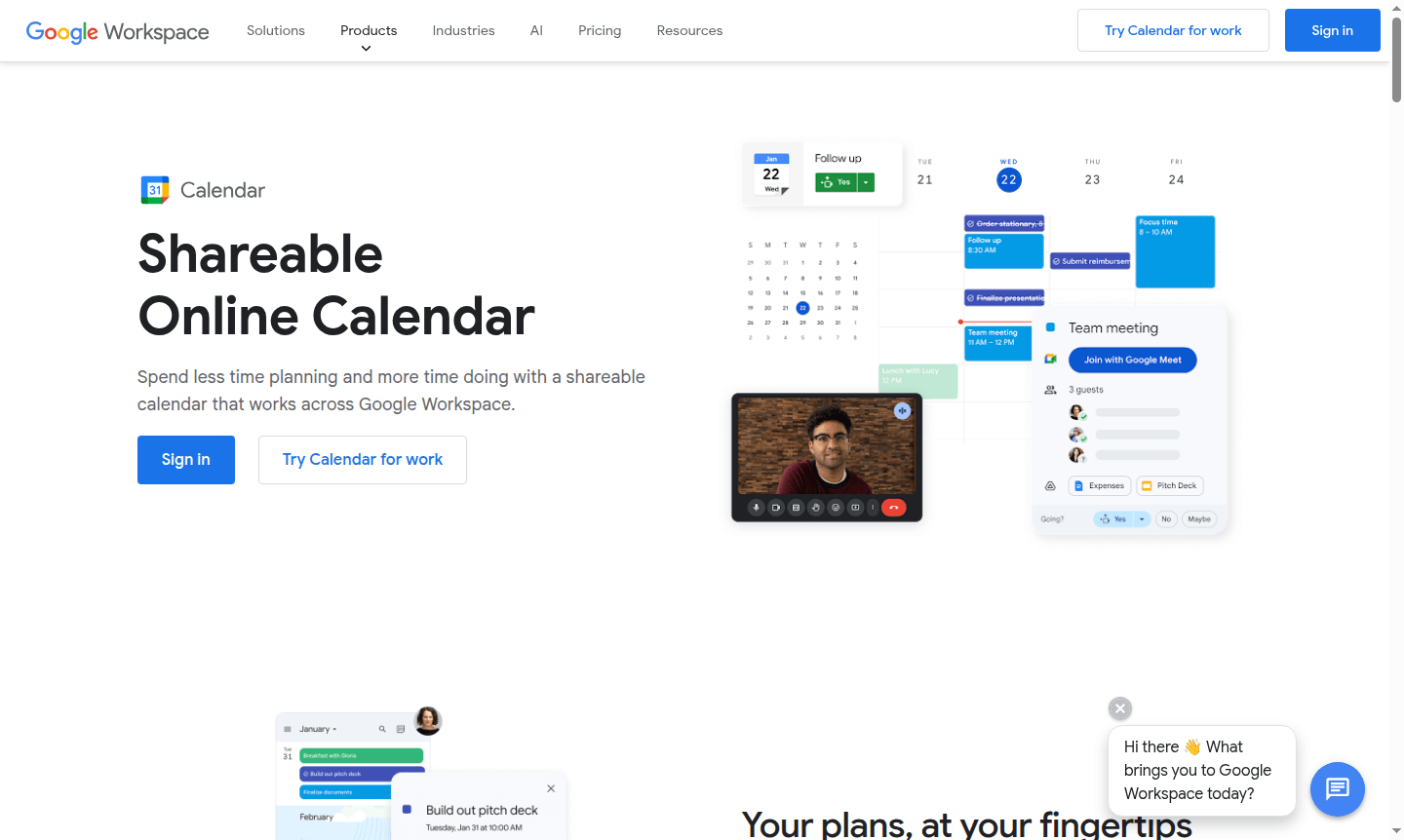
Google Calendar is a comprehensive online calendar platform that helps individuals and teams organize schedules efficiently. It integrates with Google Workspace, offering AI-powered features like Gemini for scheduling from Gmail. This tool is ideal for personal use, family coordination, and professional collaboration.
With robust security and cross-platform sync, Google Calendar ensures your schedule is protected and accessible on web, mobile, and wearable devices. Explore related tools in Calendar App and Online Scheduling categories.
How to Use Google Calendar
Sign in with your Google Account to access the web interface or mobile app. Create events manually or use AI assistance from Gmail. Set up shared calendars, working hours, and booking pages for appointments. Integration with Google Meet allows for video conferencing, and all changes sync across devices.
Core Features of Google Calendar
- AI-Powered Scheduling – Gemini in Gmail suggests optimal meeting times based on email context.
- Built-in Appointment Booking – Create customizable booking pages for clients to schedule without emails.
- Seamless Workspace Integration – Sync events from Gmail, attach Google Meet calls, and manage tasks.
- Team Collaboration Tools – Share calendars, set working hours, attach files, and coordinate schedules.
- Productivity Analytics – Time Insights analyze schedule and interactions for better optimization.
Use Cases for Google Calendar
- Professional teams coordinating meetings and deadlines across time zones
- Freelancers managing client appointments with booking pages
- Families creating shared calendars for household schedules
- Students organizing class schedules and study groups
- Remote workers blocking focus time and managing virtual meetings
- Event planners coordinating multiple calendars for venues and vendors
- Small businesses managing employee schedules and client appointments
Support and Contact
For assistance, access the help center at Google Calendar Support. For email, contact contact@google.com.
Company Info
Google Calendar is developed by Google LLC in Mountain View, California. Learn more at About Google.
Login and Signup
Access Google Calendar at calendar.google.com. New users can create a free Google Account to get started.
Google Calendar FAQ
Is Google Calendar free to use for personal scheduling needs?
Yes, Google Calendar offers a free version with robust features for personal use, including event creation, calendar sharing, and basic appointment scheduling.
Can I sync Google Calendar with other calendar platforms like Microsoft Outlook?
Yes, Google Calendar supports migration from various platforms including Microsoft and IBM calendars, with interoperability tools available for synchronization.
Does Google Calendar work offline when I don't have an internet connection?
Yes, the Google Calendar mobile apps provide offline access to view and edit events, with changes syncing automatically when you reconnect.
How secure is my personal information in Google Calendar?
Google Calendar employs enterprise-grade security with data stored in secure data centers, built-in threat detection, and customizable privacy controls.
Can multiple team members edit the same shared calendar in Google Calendar?
Yes, shared calendars support multiple editors who can add, modify, or delete events, making them ideal for team coordination and family scheduling.
Google Calendar Reviews0 review
Would you recommend Google Calendar? Leave a comment
Google Calendar Alternatives
The best modern alternatives to the tool
New Tools Releases
Recently added tools